
Manual Work vs. Digital Workflows: When Should You Change?
Understand the difference between manual and digital workflows and learn when moving a business process to a digital system makes sense.
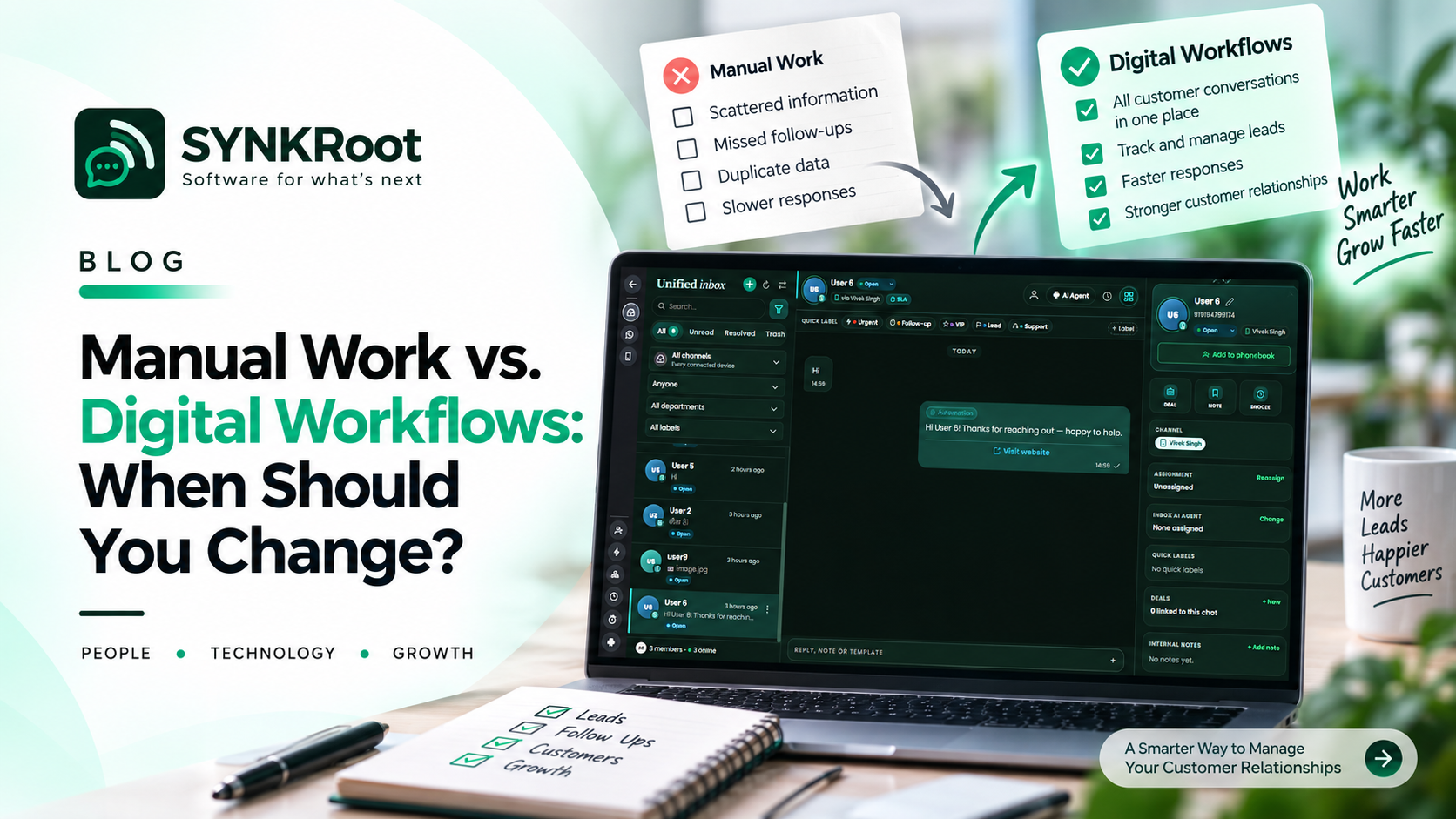
Manual Work vs. Digital Workflows: When Should Your Business Make the Change?
Manual processes are not necessarily bad.
In fact, most businesses start with them.
A founder writes down customer information. Someone maintains a spreadsheet. A manager approves requests over email. A team communicates through messages.
When the business is small, these methods can work perfectly well.
The problem begins when the amount of work grows but the process stays the same.
What Is a Manual Workflow?
A manual workflow depends heavily on people to move work from one stage to another.
For example:
A customer sends an email.
An employee reads it.
They enter the information into a spreadsheet.
They message another employee.
That person reviews the request.
A manager approves it.
Someone updates the spreadsheet.
The customer receives a response.
There is nothing inherently wrong with this process.
But every step depends on someone remembering, updating, communicating, and following up.
What Is a Digital Workflow?
A digital workflow uses software to structure and manage the process.
The same example could become:
Customer request → Digital record → Automatic assignment → Review → Approval → Notification → Completion
People are still involved.
The difference is that the system manages the movement of information and tasks between the steps.
Why Businesses Move to Digital Workflows
There are several common reasons.
More Work
A process that was manageable at 20 requests per week may become difficult at 200.
More People
As teams grow, it becomes harder for everyone to understand informal processes.
More Locations
Remote and distributed teams need better visibility into work.
More Complexity
Additional approval steps, departments, or customers can make simple processes harder to manage manually.
Greater Need for Visibility
Managers increasingly need to know what is happening without asking everyone for an update.
The Hidden Cost of Manual Work
Manual work is not free.
Even when there is no direct software cost, there may be:
Employee time.
Delays.
Duplicate data entry.
Mistakes.
Missed follow-ups.
Difficulty finding information.
Inconsistent processes.
These costs can remain invisible because they are distributed across many small tasks.
When Should You Make the Change?
There is no universal number.
Instead, look for signals.
A manual process may be ready for digital transformation when:
It happens frequently.
If employees perform the same process every day, improvements can have a meaningful cumulative effect.
It involves many people.
The more handoffs a process has, the more useful clear digital ownership can become.
It frequently gets delayed.
Repeated bottlenecks are a strong signal that the workflow needs attention.
It involves important information.
If errors or missing information can affect customers or business decisions, better control may be valuable.
The business is growing.
A process that works today may not work at the next stage of growth.
You Do Not Have to Digitize Everything
This is important.
A business does not need a software application for every task.
Some processes are simple enough to remain manual.
Others may only need a small improvement.
For example, instead of building an entire workflow platform, a business may simply automate notifications or connect two existing systems.
The right solution should match the actual problem.
A Practical Way to Evaluate a Process
Choose one workflow and document it.
Write down:
How the process starts.
Every step that follows.
Who performs each step.
What information is required.
Where information is stored.
Where delays happen.
Where mistakes happen.
What happens when something goes wrong.
Once the process is visible, it becomes much easier to identify opportunities for improvement.
Digital Does Not Automatically Mean Better
A poorly designed digital process can be just as frustrating as a poorly designed manual one.
The objective is not to turn paper into screens.
The objective is to make the process better.
That might mean removing unnecessary steps, simplifying approvals, improving information flow, or automating repetitive work.
A Better Transition Strategy
If you are considering moving from manual to digital workflows, start with one process.
Understand it.
Simplify it.
Choose the appropriate technology.
Implement it.
Measure the result.
Then improve.
This approach is usually easier to manage than attempting to digitize the entire business simultaneously.
Building Better Workflows With SynkRoot
At SynkRoot, we look at digital workflows from the perspective of the business process first.
The technology comes afterward.
Depending on the requirement, the solution may involve automation, system integration, a business application, or custom software.
The goal is straightforward:
Make the work easier to understand, easier to manage, and easier to scale.
Sometimes the best digital transformation is not about changing everything.
It is about improving the few processes that matter most.
Thanks for reading.
DISCUSSION
Comments (0)
No comments yet. Be the first to share your thoughts.