
Why Disconnected Business Tools Slow Your Team Down
Discover how disconnected business systems create duplicate work, data silos, manual processes, and visibility problems as companies grow.
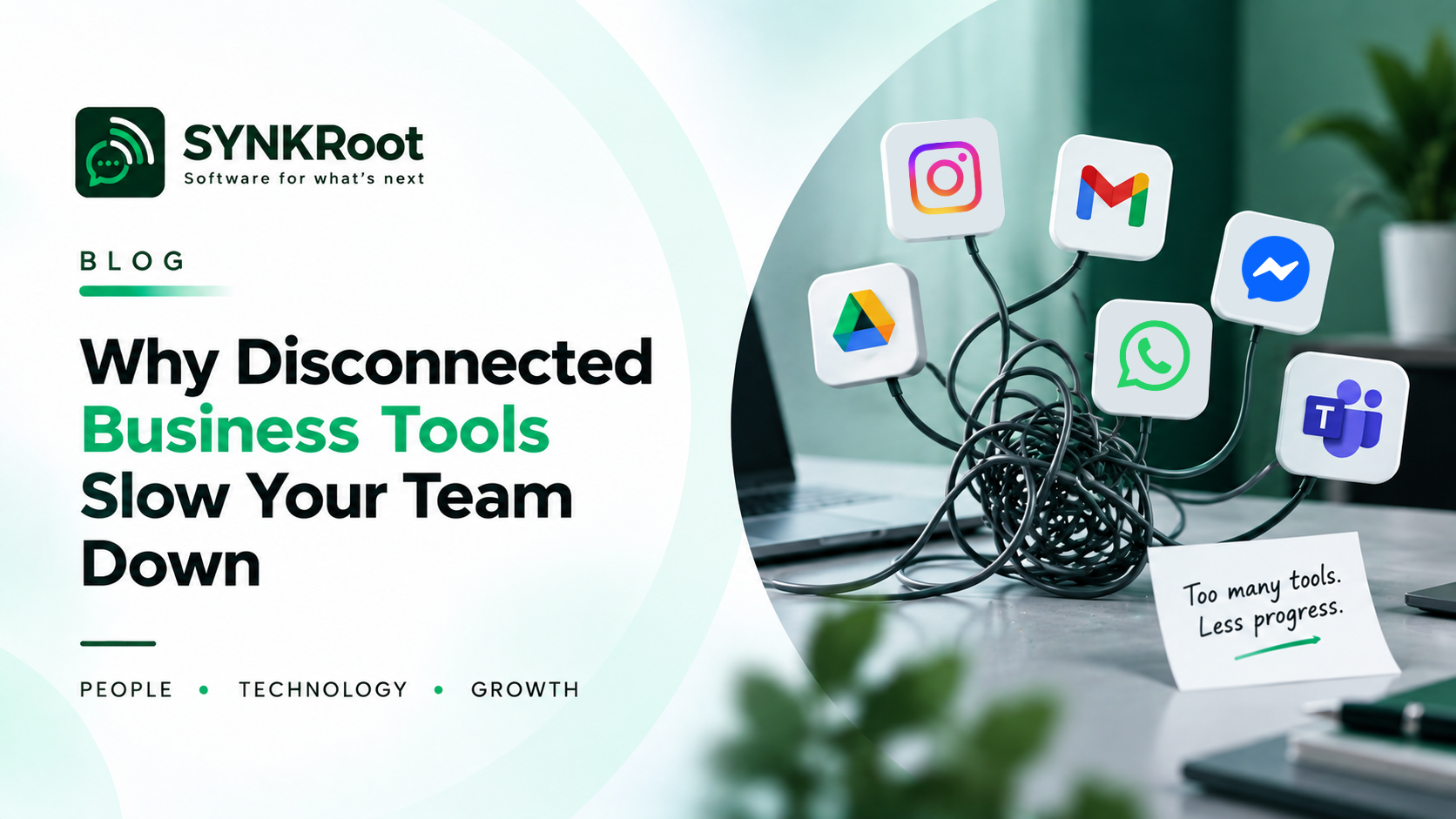
Why Businesses Struggle With Disconnected Tools and Systems
Most businesses do not start with a complicated technology environment.
They start with one tool.
Then they need another.
A CRM is added. Then accounting software. Then project management software. Then a support platform. Then a spreadsheet to fill the gaps between them.
Each decision may make sense individually.
The problem appears when all these systems need to work together.
When Software Stops Talking to Software
Imagine a customer places an order.
The information exists in the sales system.
Someone then copies the details into another application. Another person updates a spreadsheet. Someone else sends an email to the operations team.
Nothing is necessarily wrong with any individual tool.
The problem is the manual connection between them.
People become the integration layer.
That can work for a while. As the business grows, it becomes increasingly difficult to manage.
The Hidden Cost of Disconnected Systems
Disconnected systems create more than inconvenience.
They can affect the way teams work.
Duplicate Data Entry
The same information may need to be entered multiple times.
Every additional manual entry creates another opportunity for a mistake.
Inconsistent Information
One system may contain an updated customer record while another still contains an older version.
Employees then have to determine which information is correct.
More Follow-Up
When information does not move automatically, people have to chase it.
"Did you update this?"
"Has this been approved?"
"Can you send me the latest version?"
These small interruptions can add up.
Limited Visibility
Managers may struggle to get a complete picture because important information is distributed across multiple systems.
Why Businesses End Up Here
Disconnected systems are often the result of normal business growth.
A company may have selected an inexpensive tool when it was small.
Later, a new department chooses another tool because it solves a different problem.
Then another system is introduced.
There is rarely a single moment when someone decides:
"Let's create a complicated technology environment."
It simply develops over time.
Does Everything Need to Be Replaced?
No.
This is an important point.
Finding disconnected systems does not automatically mean replacing them all.
In many cases, existing software can continue to do its job.
The better question is:
Which systems actually need to communicate?
For example, a business may want customer information to move automatically from one system to another.
An integration may solve that problem without replacing either system.
What Is System Integration?
System integration is the process of connecting different applications so they can exchange information or trigger actions.
This can happen in several ways.
An API can allow one application to communicate with another.
An automation platform can move information between systems.
A custom integration can be built when the requirements are more specific.
The right approach depends on the systems involved and what the business needs to accomplish.
Start With the Business Process
Before connecting anything, understand the process.
Ask:
Where does information originate?
Where does it need to go?
Who currently moves it?
How often does it happen?
What happens when something goes wrong?
Which information needs to remain synchronized?
This helps distinguish a genuine integration opportunity from a process that simply needs to be redesigned.
A Simple Example
Consider a service business that receives a new customer enquiry.
The current process might look like:
Customer enquiry → Email → Employee enters details → Spreadsheet → Team notification → Follow-up
An improved process could become:
Customer enquiry → Central system → Automatic assignment → Team notification → Follow-up
The difference is not necessarily a sophisticated piece of technology.
It is a better flow of information.
Connected Systems Can Create a Better Experience
When systems work together, employees spend less time moving information around.
Customers may also benefit.
A booking can trigger a confirmation.
A completed transaction can update the relevant record.
A support request can be assigned automatically.
A sales update can become visible to another team without someone sending a message.
These small connections can make the overall business feel much more organized.
When Should You Consider Integration?
Consider reviewing your systems if:
Employees repeatedly copy the same information.
Teams maintain separate versions of the same data.
Important processes depend on manual updates.
Staff spend significant time moving information between applications.
Managers struggle to get a complete view of operations.
Existing tools work individually but not together.
Building a Connected Business
A connected technology environment does not mean having one giant application that does everything.
Sometimes the better approach is to keep specialized tools and connect them intelligently.
The objective is simple:
Information should move where it needs to go, when it needs to go there, with as little unnecessary manual effort as possible.
At SynkRoot, we look at the business process first and then explore how software, integrations, and automation can make that process more connected.
Because the best technology environment is not necessarily the one with the most tools.
It is the one where the right tools work well together.
Thanks for reading.
DISCUSSION
Comments (0)
No comments yet. Be the first to share your thoughts.